
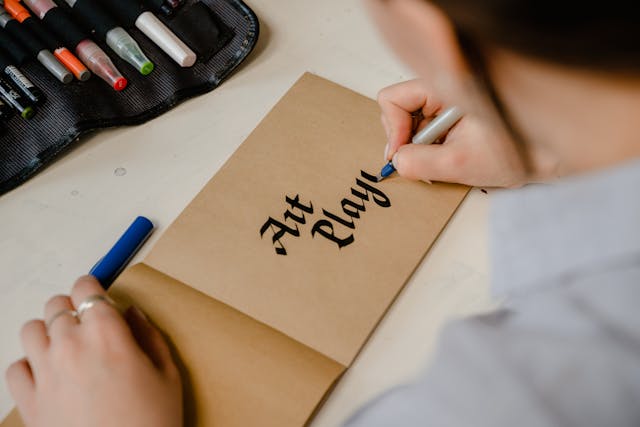
Mastering Typography: Do’s and Don’ts for Better Readability
Typography is more than just choosing a font. It's a critical design element that affects how users interact with and absorb your content. Whether you're designing a website, creating a brochure, or publishing a blog post, mastering typography ensures your message is clear, accessible, and aesthetically pleasing. Here's a practical guide to the do’s and don’ts of typography to help you achieve better readability and user experience.
Do’s of Typography
- Prioritize legibility with clean fonts like Roboto or Helvetica.
- Use visual hierarchy through font size and weight.
- Maintain high contrast between text and background.
- Limit your design to 2–3 fonts for consistency.
- Optimize line spacing and line length for better flow.
Don’ts of Typography
- Don’t mix too many font styles in one design.
- Don’t overuse ALL CAPS for body text.
- Don’t ignore mobile readability and scaling.
- Don’t stretch or squash fonts unnaturally.
- Don’t rely only on decorative fonts for content.
Final Thoughts
Typography is a silent ambassador of your design. By following these simple do’s and don’ts, you can elevate your visuals, communicate your message more effectively, and provide users with a better reading experience.