Practical insights on web development, design, SEO,
digital strategy, customer experience, technology,
and the lessons learned from building and improving
real digital projects.
A business website does not have to be completely broken before it needs attention.
In many cases, websites continue working for years while gradually becoming slower, harder to maintain, less effective on mobile devices, and increasingly disconnected from the business they are supposed to represent.
That is where a website redesign becomes valuable.
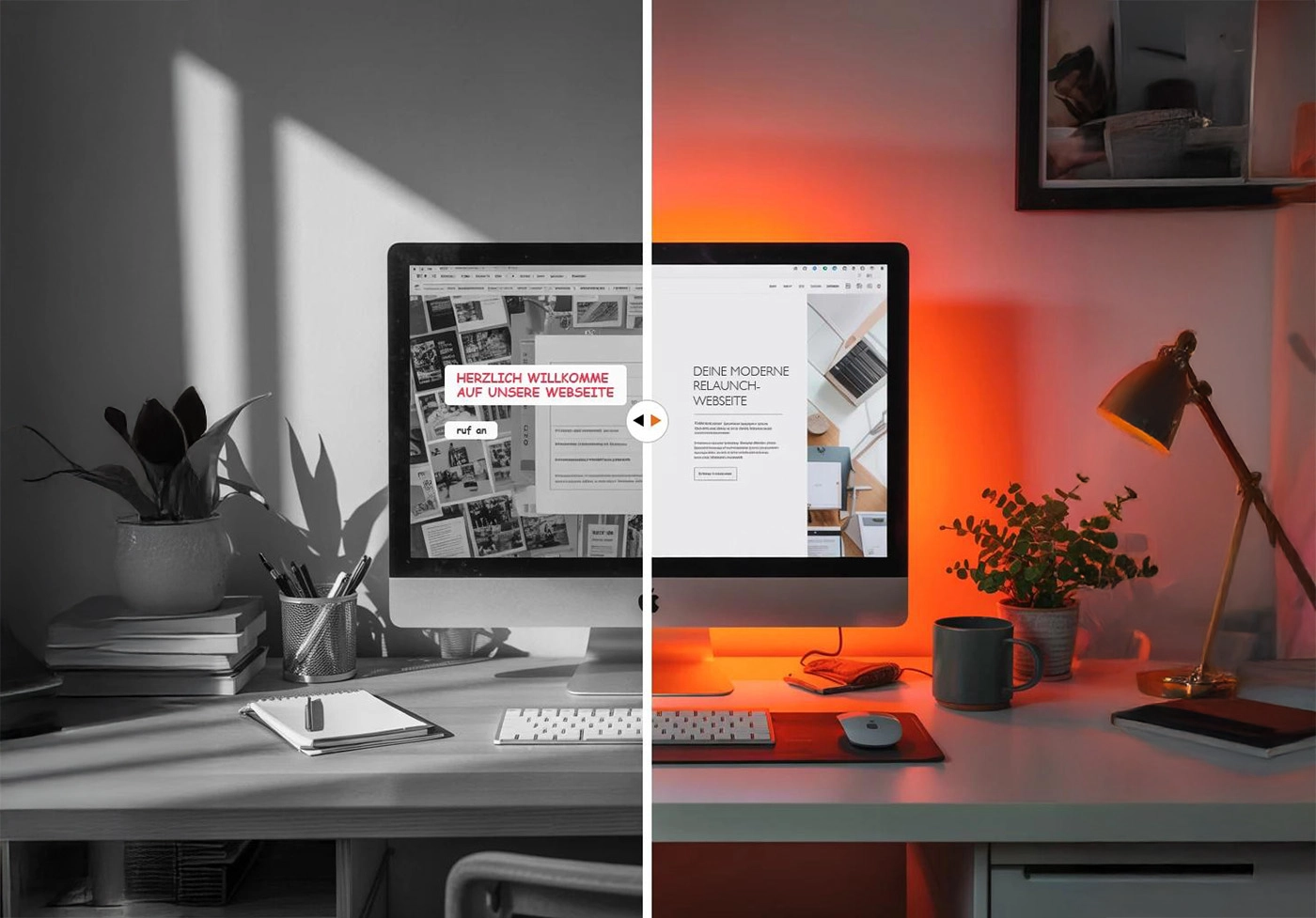
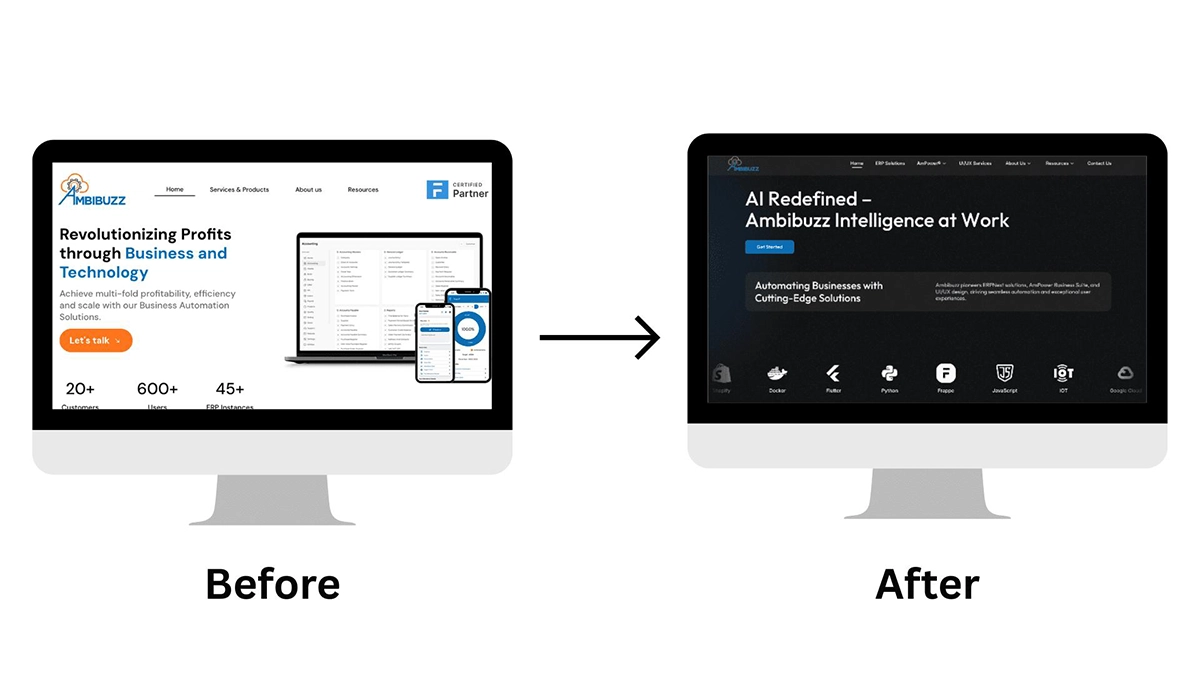
A good redesign is not simply about changing colors, replacing images, or making a homepage look more modern. It is an opportunity to improve how the website communicates, performs, supports visitors, appears across devices, and fits into the broader goals of the business.
The question is: how do you know when it is time to redesign your website instead of continuing to make small fixes?
Here are some of the most common signs.
1. Your Website Looks Outdated
Visual design is not everything, but it strongly influences a visitor's first impression.
A website may begin to feel outdated when it relies on old layout patterns, crowded pages, inconsistent typography, dated graphics, excessive visual effects, or design elements that no longer reflect the company's brand.
This does not mean businesses need to redesign their websites every time a new design trend appears. Trends change constantly, and chasing them can create just as many problems as ignoring design altogether.
The more important question is whether the website still feels credible, intentional, and appropriate for the business.
A modern redesign can improve elements such as:
Typography and readability
Page spacing and visual hierarchy
Navigation
Color consistency
Images and graphics
Calls to action
Content presentation
Overall brand consistency
The objective should not simply be to make the website "look newer." The design should make the website easier to understand and use.
2. The Website Is Difficult to Use on Mobile Devices
Mobile usability should be considered a basic requirement for a modern business website.
A site might technically be responsive while still providing a poor mobile experience.
Common problems include text that is difficult to read, navigation that feels awkward, buttons that are too small, oversized images, horizontal scrolling, forms that are frustrating to complete, and layouts that were clearly designed primarily for desktop screens.
A redesign provides an opportunity to reconsider the experience from a responsive perspective rather than simply shrinking the desktop design.
Important information should remain easy to find regardless of whether someone visits from a desktop computer, tablet, or phone.
The goal is not to make every device look identical. It is to provide a consistent and usable experience across different screen sizes.
New plugins are installed. Larger images are uploaded. Tracking scripts are added. Templates accumulate additional CSS and JavaScript. Third-party integrations increase. Old components remain even when they are no longer necessary.
Eventually, the website becomes heavier than it needs to be.
Performance problems can affect both usability and the overall quality of the visitor experience. A redesign or technical rebuild creates an opportunity to examine the website more systematically.
That can include reviewing:
Image sizes and formats
CSS and JavaScript
Extensions and plugins
Fonts
Caching
Third-party scripts
Hosting configuration
Template structure
Core Web Vitals
Mobile performance
A redesign should therefore consider performance from the beginning rather than treating optimization as something to worry about after the new website has already been built.
4. Visitors Struggle to Find Important Information
Sometimes the biggest website problem has nothing to do with visual design.
It is the structure.
Businesses evolve over time. New services are added, old pages remain online, navigation grows, and content gets placed wherever there happens to be room.
Eventually, visitors may have difficulty understanding what the company offers or where they should go next.
This is an information architecture problem.
A redesign provides an opportunity to review the website from the visitor's perspective.
Improving navigation and content structure can sometimes have a greater impact than changing the visual design itself.
5. Your Website No Longer Represents Your Business
Businesses change faster than websites sometimes do.
A company may introduce new services, enter new markets, change its positioning, update its branding, or begin serving a different type of customer.
Meanwhile, the website continues presenting the business as it existed several years ago.
This creates a disconnect.
A prospective customer should not have to contact the company just to discover that half of the information on the website is outdated.
A redesign is a good opportunity to align the website with the current business.
That may include updating:
Brand messaging
Services
Team information
Portfolio or case studies
Testimonials
Calls to action
Photography
Visual identity
Contact information
Customer journeys
Your website should represent the business you operate today, not the version of the business that existed when the site was originally launched.
6. Updating the Website Has Become Difficult
A website can look perfectly acceptable from the outside while becoming increasingly difficult to manage behind the scenes.
This happens frequently with older websites.
Templates may have been heavily modified. Plugins or extensions may no longer be supported. Content can become buried inside complicated page builders. Different developers may have added code using different approaches.
Eventually, even simple updates become unnecessarily difficult.
That creates technical debt.
For websites built with content management systems such as Joomla or WordPress, a redesign can be an opportunity to simplify the environment.
The goal should be to make future maintenance easier, not simply produce a good-looking website on launch day.
A well-planned website should be understandable and maintainable after the redesign is complete.
7. Your Website Has SEO Problems
A website redesign can have significant implications for search visibility, which is why SEO should be considered during the project rather than after launch.
Problems may exist in areas such as:
Page titles and metadata
Heading structure
Internal linking
URL structure
Duplicate or outdated pages
Thin content
Mobile usability
Website performance
Crawlability
Broken links
Redirects
A redesign is an opportunity to improve these foundations.
However, redesigning a website does not automatically improve search rankings. Poorly handled redesigns can also create SEO problems, particularly when valuable pages are removed or URLs are changed without appropriate planning.
Existing search performance should therefore be reviewed before major structural changes are made.
SEO should be part of the redesign process, not an afterthought.
8. Your Website Gets Visitors but Few Inquiries
Traffic alone does not make a website effective.
A business website should help visitors understand what the company offers and what they can do next.
If people arrive but rarely contact the business, request information, schedule a consultation, make a purchase, or complete another meaningful action, the website deserves closer examination.
The problem may involve the offer, content, traffic quality, or other factors outside the website itself. But the website experience should also be reviewed.
Look at areas such as:
Calls to action
Service descriptions
Contact forms
Trust signals
Page hierarchy
Navigation
Mobile usability
Content clarity
Customer journey
A redesign cannot guarantee more leads or sales, but it can remove unnecessary friction and create clearer paths toward important actions.
9. Security and Maintenance Are Becoming More Difficult
Older websites often accumulate components that become increasingly difficult to maintain.
Plugins, extensions, templates, themes, and integrations may stop receiving updates. Older software may also become incompatible with newer server environments.
This can turn routine maintenance into a recurring problem.
Website security is not achieved by redesigning the interface, but a redesign or rebuild can provide an opportunity to review the technical environment.
That may include evaluating user accounts, extensions, backups, SSL and HTTPS configuration, forms, outdated components, and general maintenance practices.
Security should be treated as part of ongoing website health rather than something that is addressed only after an incident occurs.
10. You Spend More Time Fixing the Website Than Improving It
Every website requires maintenance.
But there is a difference between maintaining a healthy website and repeatedly repairing an aging one.
If every update creates another compatibility problem, simple content changes require developer intervention, extensions constantly conflict, or the template prevents meaningful improvements, continuing to patch the existing site may eventually become inefficient.
At that point, the question changes.
Instead of asking:
"How do we fix this problem?"
it may be more useful to ask:
"Would rebuilding this properly create a better foundation?"
That does not automatically mean starting over.
Sometimes the best solution is still an incremental redesign. Other situations justify replacing the underlying template, reorganizing the content structure, or rebuilding much of the website.
The decision should depend on the condition of the existing site and the goals of the business.
Website Redesign vs. Website Rebuild: What's the Difference?
The terms are often used interchangeably, but they do not always mean the same thing.
A website redesign usually focuses on improving the presentation and user experience of an existing website. The CMS and much of the underlying infrastructure may remain in place.
A website rebuild involves deeper technical changes.
This might include replacing the template, restructuring the website, changing how components work, cleaning up extensions, rebuilding pages, or moving to a different platform.
For example, an existing Joomla website with a healthy content structure may only need a modern custom template and improved page layouts.
Another website may be running an outdated CMS, unsupported extensions, years of accumulated code, and a structure that no longer matches the business. In that situation, a deeper rebuild may be more practical.
The right approach depends on what is worth keeping.
What Should a Modern Website Redesign Improve?
A successful redesign should improve more than appearance.
I generally think about a website as several connected systems.
Design determines how information is presented.
User experience determines how easily people can navigate and interact with it.
Content explains what the business offers.
Performance affects how efficiently the experience is delivered.
SEO foundations help search engines understand and access the website.
Security and maintenance influence how reliably the site can be managed over time.
Analytics provide information about what happens after launch.
When these areas are considered together, the result is more than a new visual design. It becomes a stronger digital foundation for the business.
How I Approach a Website Redesign
I prefer to begin with the existing website rather than immediately designing a replacement.
There may already be valuable content, pages, search visibility, functionality, branding elements, or technical components worth preserving.
My general process follows eight stages.
Discover — Understand the business, audience, website goals, and current challenges.
Audit — Review the existing structure, content, design, performance, technical condition, and other relevant areas.
Plan — Decide what should stay, what should change, and how the new website should be organized.
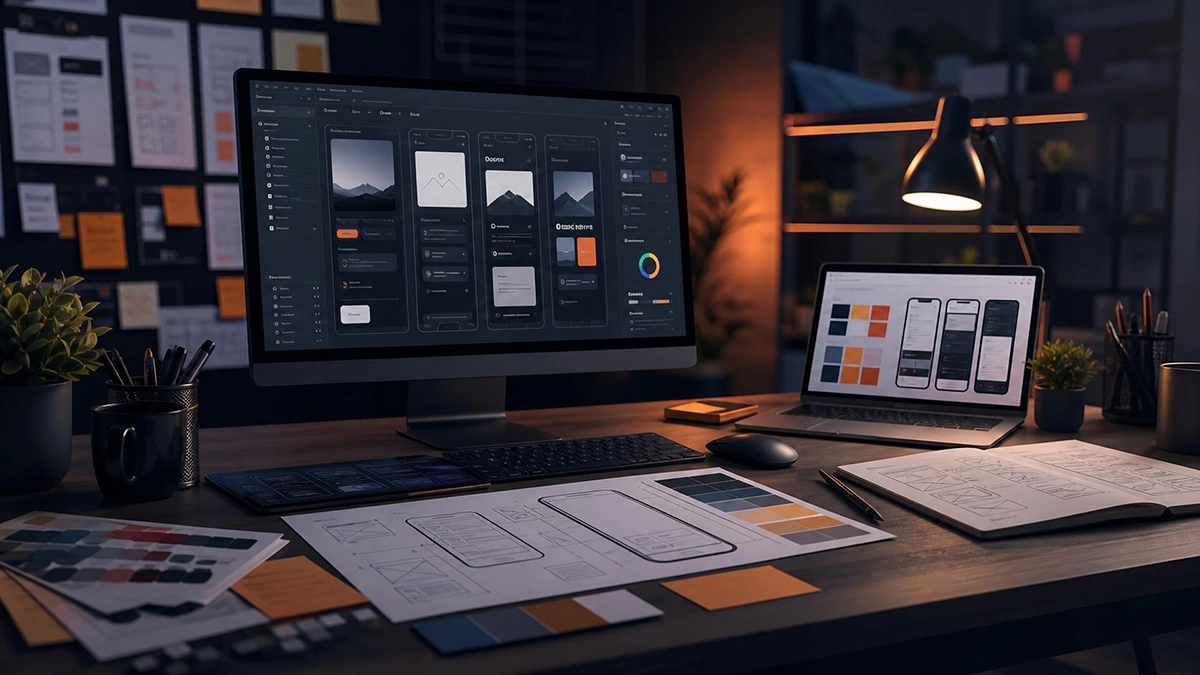
Design — Establish the visual direction, hierarchy, reusable components, and responsive experience.
Develop — Build the approved structure and functionality using an appropriate technical approach.
Test — Review responsiveness, functionality, forms, navigation, performance, links, and important technical details.
Launch — Move the completed website into production carefully, including appropriate checks for URLs, redirects, analytics, and search-related considerations.
Improve — Continue monitoring and refining the website based on actual needs after launch.
A redesign should not end with the words "the new website is live."
Launch is the beginning of the website's next lifecycle.
Should You Redesign Your Website?
Not every old website needs to be replaced.
If the site remains fast, secure, easy to maintain, mobile-friendly, aligned with the business, and effective for its visitors, a few targeted improvements may be enough.
But when several problems begin appearing together — outdated design, poor mobile usability, slow performance, difficult maintenance, confusing navigation, aging technology, and content that no longer represents the business — a broader redesign becomes worth considering.
The important thing is to redesign for a reason.
A website should not be rebuilt simply because it is a few years old.
It should be improved because there is a clearer, faster, more maintainable, or more useful version of the experience worth building.
Final Thoughts
A website redesign is most valuable when it solves real problems.
Modern visuals are part of that process, but they are only one part.
The strongest redesigns improve how a website communicates, how easily visitors use it, how well it performs, how efficiently it can be maintained, and how effectively it supports the business behind it.
Before replacing an existing website, understand what is already working.
Then improve what actually needs to change.
FREQUENTLY ASKED QUESTIONS
About Website Redesign
There is no universal schedule. A website should be evaluated based on its performance, usability, technology, content, branding, maintenance needs, and business goals rather than its age alone. Some websites remain effective for years with regular improvements, while others require significant changes sooner because the business or underlying technology has changed.
It can. Changes to URLs, content, internal links, page structure, performance, metadata, and navigation can affect how search engines understand a website. Existing valuable pages should be reviewed before launch, and redirects should be planned when URLs need to change. SEO considerations are best included throughout the redesign process.
Keep content that remains useful, accurate, relevant, and aligned with the new website strategy. Other content may need updating, combining, expanding, redirecting, or removing. A redesign is a good opportunity to perform a content audit rather than automatically moving every old page into the new website.
Not necessarily. If your current CMS still meets your needs and can be maintained properly, there may be no reason to replace it. Joomla and WordPress can both support modern business websites when configured appropriately. The platform decision should be based on actual requirements rather than popularity alone.
Yes. Depending on its condition, an existing Joomla website can often be modernized through a new template, improved layouts, extension cleanup, performance improvements, content restructuring, and technical updates without abandoning Joomla.
Yes. A WordPress redesign may involve replacing or improving the theme, simplifying plugins, rebuilding page layouts, improving performance, restructuring content, and strengthening the overall user experience while retaining the existing platform when appropriate.
It depends on the size and complexity of the website, the amount of content, required functionality, integrations, feedback process, and whether the project is primarily visual or involves a deeper technical rebuild. A small business site and a large content-heavy website require very different project scopes.
Performance should be considered throughout the project. Image strategy, template structure, scripts, fonts, extensions, hosting, and third-party tools all influence speed. Building with performance in mind is generally more effective than creating a heavy website first and attempting to optimize everything afterward.
A business website should do more than simply exist online.
It should explain what the business offers, establish credibility, make important information easy to find, support marketing efforts, and guide visitors toward a meaningful next step.
Joomla has been part of the content management system landscape for many years, but it continues to evolve far beyond the platform many people remember from older websites.
Branding for Real Estate Agents: Building Trust, Recognition, and Long-Term Success
In the competitive world of real estate, success is built on more than just closing deals — it’s about establishing trust, standing out in a crowded market, and creating lasting impressions. That’s where branding comes in. For real estate agents, a strong personal brand can be the difference between being forgotten and being the first agent that comes to mind when someone’s ready to buy or sell a home
What Is Branding for Real Estate Agents?
Branding isn’t just about logos or colors. It’s the complete experience clients have when they interact with you — from your website and social media presence to the way you answer the phone or show a property. It reflects your values, your unique selling proposition, and how you build relationships with clients.
In short, your brand is your reputation — packaged and presented in a professional, consistent way.
Why Branding Matters in Real Estate
Here are a few reasons branding is essential for real estate agents:
💼
Build Trust
Clients are making one of the biggest financial decisions of their lives — they need to feel confident in your expertise and integrity. A polished, consistent brand makes you look more credible and trustworthy.
🚀
Stand Out
In a saturated market, having a distinct brand helps you stand out. Whether you specialize in luxury homes, first-time buyers, or investment properties, your brand should highlight what makes you unique.
🎯
Attract Ideal Clients
A clear brand attracts clients who align with your values, personality, and area of expertise — saving you time and helping build stronger relationships.
🔁
Boost Recognition
When your branding is consistent across your website, business cards, social media, and signage, it reinforces your identity and makes you more memorable — encouraging referrals and repeat business.
Key Elements of a Real Estate Brand
To create a solid brand, focus on these core elements:
1. Your Brand Identity
This includes your logo, colors, fonts, and visual style. It should reflect your market (e.g., modern for luxury, warm and inviting for family homes) and your personality.
2. Your Brand Voice
When your branding is consistent across your website, business cards, social media, and signage, it reinforces your identity and makes you more memorable — encouraging referrals and repeat business.
3. Your Unique Value Proposition
What sets you apart from other agents? Maybe it’s your in-depth local knowledge, digital marketing skills, or commitment to personal service. Be clear about what you offer and why it matters.
4. Your Online Presence
Your website and social media should reflect your brand clearly and professionally. Include updated listings, client testimonials, and helpful real estate content that positions you as a knowledgeable, approachable expert.
5. Your Personal Touch
Don’t be afraid to share your story — people connect with people. Whether it’s your passion for helping families find their first home or your background in design and staging, let your personality shine through.
Tips for Strengthening Your Real Estate Brand
✅ Be consistent - Use the same logo, color palette, and tone across all platforms and materials.
✅ Invest in professional photography and design – First impressions matter, especially online.
✅ Use client testimonials – Let happy clients help tell your story.
✅ Create valuable content – Share tips, local insights, or market updates to establish authority and stay top of mind.
✅ Stay authentic – Your brand should reflect who you genuinely are — that’s how lasting relationships are built.
Final Thoughts
Your brand is more than a marketing tool — it’s the foundation of your real estate business. It’s what helps clients trust you, remember you, and choose you over the competition.
Whether you’re just starting out or looking to refresh your presence, taking time to invest in your personal brand can pay off in greater visibility, stronger client relationships, and long-term success.
Why Strategic Graphic Design Matters — Not Just Pretty Visuals
Why Strategic Graphic Design Matters — Not Just Pretty Visuals
Great design transcends aesthetics. It’s a purposeful tool that builds trust, communicates your brand identity, and drives engagement. Whether you're a small business owner, startup founder, or content creator, understanding how strategic graphic design works—and how to leverage it—can elevate your visual presence and business results.
Graphic design isn’t just decoration—it’s storytelling. From color palettes to typography choices, every design element conveys something about your brand’s values and personality. Consistency across logos, social media graphics, flyers, and business cards builds recognition and trust.
2. Design That Solves Problems
Effective design solves communication challenges. Need to make an announcement stand out? Or guide users through a website? Purposeful design—through hierarchy, legibility, and layout—improves the user experience and delivers clear messaging that works across devices and platforms.
3. Design That Scales Across Platforms
In today’s digital world, your visuals must perform everywhere—from mobile screens to print materials. Responsive, adaptable graphic assets ensure your brand remains polished, cohesive, and professional, no matter where people interact with it.
4. Design That Supports Business Goals
Good design directly impacts results. A well-designed flyer increases event attendance. A clear, engaging social media graphic boosts click-throughs. Strategic visuals drive measurable improvements in engagement, leads, and sales.
5. How I Approach Graphic Design
Discovery First: Every project starts with understanding your vision, audience, and goals.
Visual Strategy: I create moodboards and style guides to align design with your brand identity.
Rapid Prototyping & Feedback: Iterative mockups ensure alignment and efficiency.
Final Assets & Guidelines: You receive polished files ready for print and digital use, with usage guidance.
6. Who Benefits from Strategic Graphic Design?
Small Business Owners & Startups needing to stand out and build brand trust.
Creators & Personal Brands seeking a professional and consistent presence.
Events & Campaign Organizers aiming for eye-catching, on-brand materials.
If you're ready to elevate your brand with purposeful graphic design that tells your story and drives results, let’s make your ideas visually unforgettable.
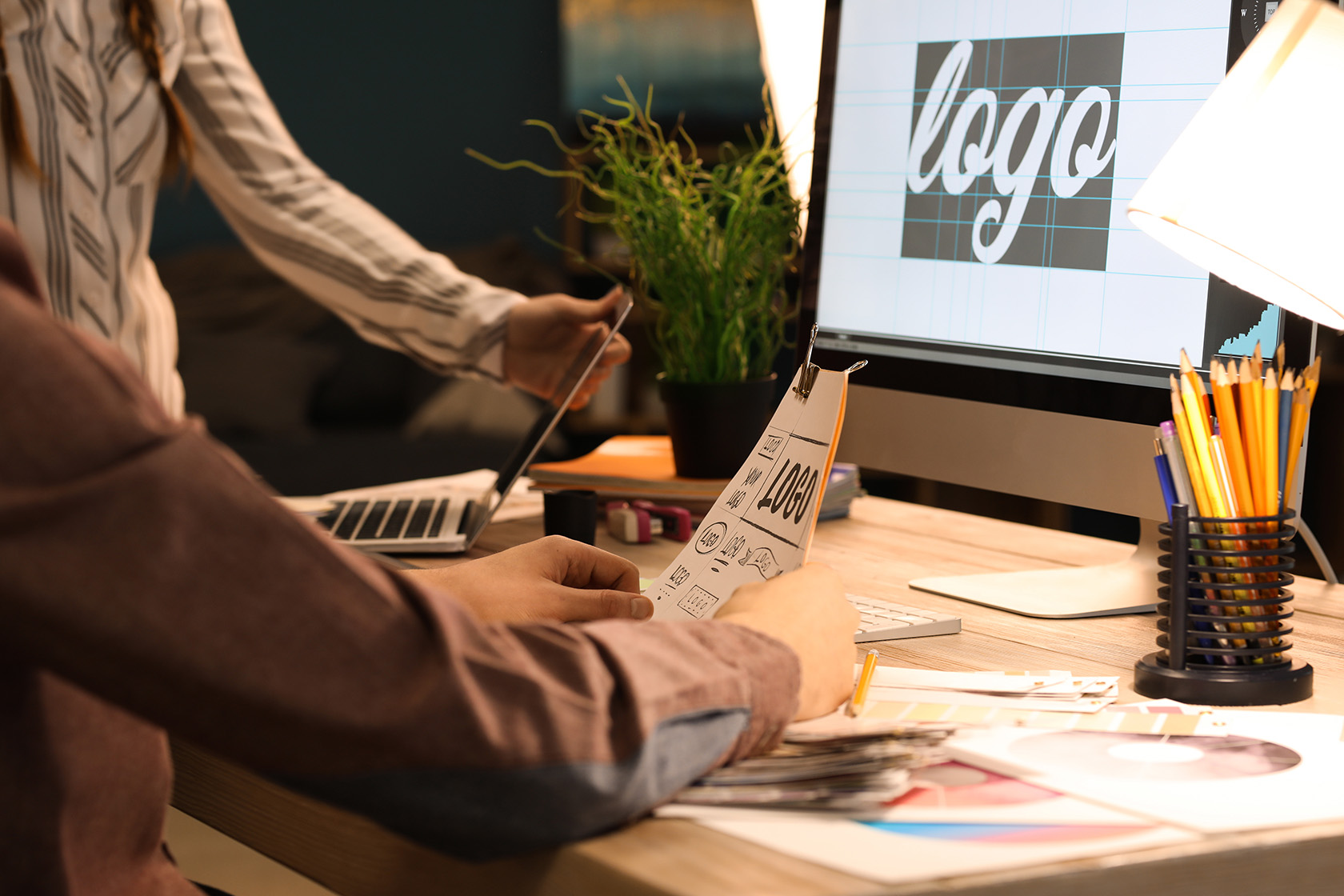
A practical guide to finding clients who need logo design — small businesses, startups, nonprofits, and more.
If you’ve ever asked yourself, “Who will hire me to design a logo?” you’re not alone. The market for logo design services is bigger than you think — and ripe for creatives who know where to look and how to position their value.
Who Hires a Logo Designer?
Small Business Owners — Cafés, salons, online shops, and local services need a distinct visual identity to stand out.
Startups & Entrepreneurs — Founders invest in a professional logo early to impress investors and customers.
Established Companies — Rebrands and refreshes are common; they often want a modern, minimal look.
Nonprofits & Community Groups — Trust and awareness rise with clear, consistent branding.
Creators & Personal Brands — Coaches, YouTubers, and freelancers need cohesive identities across platforms.
Agencies & Marketing Firms — Many outsource branding and logo projects to reliable freelancers.
Events & Special Projects — Conferences, festivals, and campaigns commission one-off marks and lockups.
How to Find Clients Who Need a New Logo
Optimize Your Portfolio
Show before/after rebrands, explain your process, and highlight results (engagement, conversions, or recognizability). Add keywords like hire a logo designer and custom logo design to improve SEO.
Leverage Social Proof
Feature testimonials and quick case studies. Prospects want to see outcomes, not just visuals.
Outbound & Partnerships
Pitch local businesses, join founder groups, and partner with web agencies, printers, and marketers.
Inbound Channels
Post consistently on LinkedIn and Instagram, and list on platforms where people search for logo designers.
What Clients Look For
Clarity of Process — Discovery, moodboarding, concepting, refinement, and delivery.
Brand Strategy — Ability to tie visuals to positioning, audience, and goals.
Versatility — Logos that work in color/mono, small/large, print/digital.
Professional Handoffs — Final files, usage guide, and brand assets organized.
Ready to Hire a Logo Designer?
Whether you’re launching a startup or refreshing an established brand, a strong logo anchors your identity. Let’s create something memorable and scalable.
SEO Strategy for 2025: How to Dominate Search in the AI Era
By Mario Donquilab •
Search engines are changing fast. With AI-powered answers and new ranking signals, your 2025 SEO strategy must focus on authority, speed, and adaptability. This guide gives practical steps you can implement right away.
Empowering brands with custom-designed, high-performing websites
In today's fast-paced digital world, having a strong online presence isn't just an option—it's a necessity.
That’s where a freelance web developer comes in. Unlike large web agencies, a freelance developer offers
a more personal, agile, and cost-effective approach to building websites that reflect your unique brand and goals.
Why Work With a Freelance Web Developer?
One-on-One Attention: You get direct communication with the developer, no middlemen.
Customized Solutions: Projects are tailor-made to fit your vision and target audience.
Faster Turnaround: Freelancers can be more flexible with timelines and project scope.
Cost-Effective: Without agency overhead, you get quality services without inflated costs.
What Services Do Freelance Developers Offer?
Freelance web developers often provide a full range of services, including:
Custom Web Design & Development
Responsive Website Layouts
CMS Integration (WordPress, Joomla, etc.)
E-commerce & Booking Systems
SEO Optimization
Website Maintenance & Security Updates
How I Can Help
I’m Mario Donquilab—a freelance web developer based in the Philippines with experience in building responsive, animated,
and fully branded websites for businesses and personal brands. From clean HTML/CSS builds to dynamic WordPress or Joomla sites,
I make sure your online presence reflects your vision with style and performance.
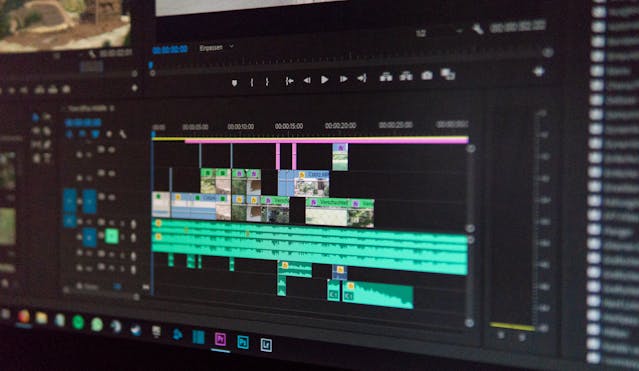
Discover essential video editing shortcuts that can save you hours and keep your creative flow smooth and productive.
1. Master Your Software’s Hotkeys
Whether you're using Adobe Premiere Pro, Final Cut Pro, or DaVinci Resolve, mastering the default keyboard shortcuts is the first step to editing like a pro.
2. Customize Your Shortcut Keys
Adjust shortcuts to match your editing habits. Assign frequently used actions like ripple delete, zoom in/out, or cut to easily reachable keys.
3. Use Timeline Navigation Shortcuts
Jump between edit points, go to the next clip, or move to the end of the sequence with navigation hotkeys — no more dragging your playhead manually.
4. Speed Up Cutting and Trimming
Use shortcuts like C for Razor Tool or Q/W for ripple trims to cut and refine clips without switching tools constantly.
5. Automate Repetitive Tasks
Use macros or sequence templates to automate repetitive steps — like creating lower-thirds, transitions, or sound levels. Saves tons of time!
Web Design Copycat: Why It Happens and How to Deal With It
In the fast-paced digital world, originality is a valuable asset—especially in web design, where visuals, layout, and user experience play a key role in brand identity. But what happens when someone copies your design? Unfortunately, "web design copycatting" is a real and recurring issue that many designers and businesses face.
This article explores what web design copycatting is, why it happens, the risks it carries (for both the copier and the original creator), and how to protect yourself.
What is Web Design Copycatting?
Web design copycatting refers to the unauthorized imitation or replication of a website's design, layout, content, branding elements, or overall look and feel. This may include:
Layout structure
Typography and color scheme
Icons and images
Animations and transitions
Unique content and messaging
Why Do People Copy Web Designs?
Lack of Skill or Experience: New developers may mimic successful sites to fill in skill gaps.
Desire to Replicate Success: They believe copying a well-designed site will bring similar results.
Shortcuts and Time-Saving: Copying a design speeds up development.
Ignorance of Copyright and Ethics: Some aren’t aware of the legal or ethical boundaries.
Is Copycatting Illegal?
It depends. Elements like custom graphics, written content, and original layouts may be protected by copyright law. But general layout patterns—like headers or image grids—are considered functional and not copyrightable.
Risks of Copycatting for the Copier
Legal Action: DMCA takedowns or lawsuits.
Loss of Credibility: Damage to your brand reputation.
Poor SEO Performance: Duplicate content may be penalized.
Incompatibility: A copied design might not work well with a different audience or brand.
Monitor Your Brand with Copyscape or Google Alerts
Send a Cease-and-Desist professionally
File a DMCA Complaint with search engines or hosts
How to Ethically Take Inspiration Instead
It’s okay to draw inspiration—just don’t duplicate. Try these:
Combine ideas from multiple websites
Tailor trends to your brand’s voice and audience
Add original content, graphics, or features
Credit creators when necessary
Conclusion
Web design copycatting is not just unethical—it can lead to legal, reputational, and technical problems. While it’s tempting to mimic successful websites, true value lies in creating original, functional, and user-focused designs. Respecting the creative work of others while finding your own voice is key to long-term success in the digital world.
Mastering Typography: Essential Do’s and Don’ts for Better Readability
Mastering Typography: Do’s and Don’ts for Better Readability
Typography is more than just choosing a font. It's a critical design element that affects how users interact with and absorb your content. Whether you're designing a website, creating a brochure, or publishing a blog post, mastering typography ensures your message is clear, accessible, and aesthetically pleasing. Here's a practical guide to the do’s and don’ts of typography to help you achieve better readability and user experience.
Do’s of Typography
Prioritize legibility with clean fonts like Roboto or Helvetica.
Use visual hierarchy through font size and weight.
Maintain high contrast between text and background.
Limit your design to 2–3 fonts for consistency.
Optimize line spacing and line length for better flow.
Don’ts of Typography
Don’t mix too many font styles in one design.
Don’t overuse ALL CAPS for body text.
Don’t ignore mobile readability and scaling.
Don’t stretch or squash fonts unnaturally.
Don’t rely only on decorative fonts for content.
Final Thoughts
Typography is a silent ambassador of your design. By following these simple do’s and don’ts, you can elevate your visuals, communicate your message more effectively, and provide users with a better reading experience.