

- Details
- Written by: Mario Donquilab
Understanding Website Architecture: Why It Matters and How to Get It Right
When it comes to building a website, most people focus on how it looks. While visual design is important, what truly forms the backbone of a great website is its architecture. Website architecture refers to how information is structured and organized within your site, both for users and for search engines. It plays a key role in user experience, SEO, site speed, and scalability.
In this article, we'll break down what website architecture is, why it matters, and how to design it effectively.
What Is Website Architecture?
Website architecture is the hierarchical structure of your site’s pages and content. Think of it like a blueprint for a building—it defines how different rooms (or in this case, pages) are connected, how people move between them, and how they access information.
It typically includes:
Why Website Architecture Matters
1. Improves User Experience
A well-structured site makes it easy for visitors to find what they’re looking for. When users can navigate smoothly from one section to another, they’re more likely to stay longer and engage with your content.
2. Boosts SEO Performance
Search engines like Google use bots to crawl websites. A clear architecture helps them understand the relationship between pages, index content more efficiently, and distribute page authority through internal links.
3. Supports Scalability
As your site grows, a solid architecture allows you to add new content or features without creating confusion or clutter. It keeps everything organized and consistent.
4. Reduces Bounce Rates
Visitors are more likely to stick around when they find what they need quickly. Logical navigation and page grouping can reduce bounce rates and increase conversions.
Key Elements of Effective Website Architecture
1. Clear Hierarchy
Start with a home page, followed by main category pages, and then individual content pages underneath. This pyramid-like structure keeps the site easy to navigate.
2. Simple and Intuitive Navigation
Menus and internal links should follow the user’s natural path. Use descriptive labels and keep the main navigation visible and consistent across all pages.
3. SEO-Friendly URLs
URLs should be readable, short, and keyword-rich. Avoid long strings of numbers or symbols.
Example:
❌ example.com/page?id=123
✅ example.com/services/web-design
4. Internal Linking
Link related pages together to help users discover more content and guide search engines through your site.
5. Mobile Responsiveness
Modern websites must be optimized for mobile devices. Make sure the architecture adapts seamlessly to different screen sizes.
Best Practices
- Plan your site structure before building
- Use simple, consistent navigation
- Create SEO-friendly URLs
- Limit page depth to 3 clicks max
- Use internal links and breadcrumbs
- Make it mobile responsive
- Keep auditing and updating content

- Details
- Written by: Mario Donquilab
How to Design a Logo That Stands Out
In today’s crowded digital landscape, your logo is often the first thing people associate with your brand. A great logo doesn't just look good—it tells a story, evokes emotion, and makes your brand memorable. But how do you design a logo that truly stands out?
Let’s break it down.
1. Understand the Brand Inside-Out
Before opening any design software, ask the right questions:
The best logos reflect the brand’s essence. Think of Nike’s swoosh—simple, but it screams movement and energy.
2. Sketch Ideas Before You Design
Start with rough pencil sketches. Don’t worry about perfection. Just explore:
Sketching helps you brainstorm faster and explore directions you might miss if you jump straight into Illustrator or Canva.
3. Keep It Simple, But Not Boring
The best logos are simple and easy to recognize at a glance. Avoid overly detailed designs or complex gradients that lose impact at small sizes.
Tips:
Examples: Apple, Twitter, and McDonald’s—minimal yet iconic.
4. Make It Meaningful and Memorable
A standout logo often has subtle symbolism or meaning behind it. It could be:
Think beyond decoration—aim for a visual metaphor that adds depth.
5. Choose Typography Wisely
Fonts say a lot. Your typography should align with your brand’s tone:
Customize type when possible—tweaks to a single letter can make a wordmark unique.
6. Test It in Real-World Situations
Place your logo on:
This ensures it works across all platforms and sizes, and doesn’t lose clarity or balance.
7. Get Feedback, Then Refine
Don’t design in a vacuum. Show your logo to:
Be open to critique—but stick to your concept if you believe in it. Design is subjective, but clarity and effectiveness are not.
Final Thoughts
Designing a standout logo isn’t just about making something that looks good—it’s about making something that feels right. It should communicate your brand’s essence, work across platforms, and stick in people’s minds after one glance.
Take your time, iterate often, and remember: the best logos are the ones people remember without even trying.

- Details
- Written by: Mario Donquilab
Creative Email Marketing Ideas to Boost Engagement and Sales
Email marketing remains one of the most effective tools in digital marketing—when done right. With inboxes flooded daily, you need more than a catchy subject line to stand out. Whether you're a small business owner, a freelancer, or a growing brand, creative and strategic email marketing can drive results and keep your audience engaged.
Here are some powerful email marketing ideas you can start using today:
1. Welcome Series That Builds Connection
Don’t stop at a single welcome email. Create a welcome series that introduces your brand, values, top products or services, and maybe even a special discount. Spread these over a few days to gently ease subscribers into your ecosystem.
Example flow:
- Email 1: Thank you message + what to expect
- Email 2: Share your story or team intro
- Email 3: Top-selling services or popular blog posts
- Email 4: Special offer for new subscribers
2. Personalized Recommendations
Use data from past purchases or browsing behavior to send tailored product or content recommendations. Personalized emails have higher open and click-through rates and make your subscribers feel understood.
3. Seasonal and Holiday-Themed Campaigns
Leverage holidays and seasonal events like:
Make sure your email design reflects the festive mood!
4. Flash Sales or Limited-Time Offers
Create urgency by promoting flash sales or 24-hour offers. Use countdown timers and bold visuals to increase click-throughs.
5. Behind-the-Scenes Content
People love to see the human side of your business. Share photos or videos of your team at work, product manufacturing, packing orders, or a day in the life at your office.
6. Re-Engagement Campaigns
Win back inactive subscribers with special “We miss you” emails or surveys asking why they stopped engaging. Offer a small incentive or sneak peek at what’s new.
7. User-Generated Content and Testimonials
Feature customer reviews, photos, or social media posts in your emails. Not only does it build trust, but it also encourages others to share and engage with your brand.
8. Educational or Value-Packed Emails
Share tips, blog articles, or how-tos that solve problems or educate your audience.
9. Milestone Emails
Celebrate customer birthdays, anniversaries, or other personal milestones with special greetings or discount codes. It adds a thoughtful, human touch to your email strategy.
10. Email Surveys and Feedback Requests
Ask your subscribers for feedback or preferences. It shows you care, and their input can help you fine-tune your offers and communication.
“What kind of content do you want to see more of?”
“How was your recent purchase experience?”
Final Thoughts
With a mix of automation, personalization, and creativity, you can keep your email subscribers engaged, informed, and ready to take action. Start small, test your results, and keep optimizing!

- Details
- Written by: Mario Donquilab
Top 5 Frameworks for Streamlined Web Development
In today’s fast-paced digital world, web development is all about speed, efficiency, and flexibility. Whether you're a beginner or a seasoned developer, using a framework can significantly accelerate your workflow, help you write cleaner code, and deliver scalable, high-performing websites or applications. With so many options available, choosing the right framework can be overwhelming.
To help you out, here are the Top 5 Frameworks for Streamlined Web Development in 2025:
Best for: Interactive user interfaces and single-page applications (SPA)
React, developed by Meta (formerly Facebook), is a powerful library often used as a framework for building rich, dynamic front-end interfaces. It uses a component-based architecture, making code reusable and easier to manage.
Why it's streamlined:
Best for: Lightweight applications and easy learning curve
Vue is a progressive JavaScript framework designed to be incrementally adoptable. It’s incredibly beginner-friendly while still offering powerful tools for more complex applications.
Why it's streamlined:
Best for:SEO-friendly and server-side rendered React applications
Next.js enhances React by providing features like server-side rendering, static site generation, and built-in routing. It's perfect for building modern web applications that are both fast and SEO-optimized.
Why it's streamlined:
Best for:Full-stack backend applications
Laravel is a PHP framework that’s elegant, expressive, and developer-friendly. It offers a clean syntax and powerful tools for routing, authentication, caching, and database management.
Why it's streamlined:
Best for:Secure and scalable web apps with rapid development
Django is a high-level Python framework that promotes rapid development and clean design. It’s favored by developers who prioritize security, scalability, and robustness.
Why it's streamlined:
Which One Should You Choose?
It all depends on your project needs:

- Details
- Written by: Mario Donquilab
Why Video Marketing Is Essential for Your Business
In today’s digital-first world, video marketing is no longer just a “nice-to-have” — it’s a critical part of a successful business strategy. Whether you run a small local business, a fast-growing startup, or a large corporation, using video effectively can help you increase brand visibility, build trust, and drive measurable results.
1. Video Grabs Customer Attention Instantly
Consumers are bombarded with content daily. To stand out, businesses must capture attention quickly — and nothing does that better than video. A well-made video can communicate your message in seconds, making it easier for customers to understand what you offer and why it matters.
2. Increases Engagement and Brand Awareness
Videos are more likely to be liked, shared, and remembered compared to text or images. This means more exposure for your business. Whether you’re posting on social media, running email campaigns, or adding video to your website, you’ll likely see higher engagement and stronger brand recall.
Video content is more likely to be shared and remembered, boosting your brand’s reach and online visibility across platforms like Facebook, Instagram, and LinkedIn.
3. Drives More Leads and Sales
Studies show that landing pages with videos can increase conversions by up to 80%. Why? Because videos help prospects better understand your products or services, see real-world applications, and feel more confident in making a purchase. Product demos, customer testimonials, and explainer videos can turn browsers into buyers.
4. Boosts SEO and Website Traffic
Websites with videos are favored by search engines and have better chances of ranking higher, driving more traffic and reducing bounce rates.
Adding videos to your business website can improve your Google rankings and increase organic traffic. Videos also keep visitors on your site longer — a key metric in SEO. Hosting your videos on YouTube (owned by Google) can also drive traffic back to your site.
5. Builds Trust with Your Audience
Video is a powerful tool for building customer trust. Whether it's a behind-the-scenes look at your team, a message from your CEO, or a satisfied customer sharing their experience, videos allow you to humanize your brand. This transparency builds authenticity and credibility — essential for long-term business success.
Video adds personality and emotion to your message, making it easier to form real connections with your customers and strengthen brand loyalty.
6. Perfect for Mobile and On-the-Go Users
With more consumers using smartphones and tablets to research and shop, businesses must adapt their marketing for mobile. Video is highly mobile-friendly and easy to consume anytime, anywhere. It’s the preferred format for busy customers who want quick, engaging content.
7. Supports Every Part of the Customer Journey
No matter where your potential customers are in the buying cycle, video helps move them forward:
8. Gives Your Business a Competitive Advantage
While many businesses are still figuring out how to use video effectively, you can get ahead by investing early. High-quality, engaging videos show that your company is modern, innovative, and in tune with customer expectations. It also positions you as a leader in your industry.
Many businesses are still behind in video marketing. Being proactive gives you an advantage and makes your business look modern and professional.
Conclusion: For businesses of all sizes and industries, video marketing is one of the most effective tools to connect with customers, increase sales, and grow your brand. It’s not just about going viral — it’s about creating meaningful content that informs, entertains, and inspires action.
If your business isn’t using video yet, now is the time to start.

- Details
- Written by: Mario Donquilab
How To Get A Remote Job in 2025
Remote jobs aren’t just a trend—they’re the new normal. In 2025, companies continue to embrace remote work, giving you more flexibility than ever before. Here's how to land your dream remote job this year.
1. Know What Roles Are In Demand
Focus on careers that thrive remotely. Here are some in-demand roles in 2025:
- ✔ Web Developers (WordPress, React, Full-Stack)
- ✔ Graphic & UX/UI Designers
- ✔ Virtual Assistants
- ✔ Video Editors & Content Creators
- ✔ Digital Marketers (SEO, Ads, SMM)
- ✔ Customer Support & Sales
2. Build a Remote-Friendly Portfolio
Showcase your skills, even if you're not a designer. Use platforms like Notion, Wix, Behance, or your own website (like mariodonquilab.com) to present:
- ✔ Past projects
- ✔ Tools and apps you use
- ✔ Testimonials
3. Optimize Your Resume & LinkedIn
Make sure your profile screams "remote-ready":
- ✔ Mention “Remote” in your job titles
- ✔ Highlight tools (Zoom, Slack, Notion)
- ✔ Add timezone flexibility
4. Use the Right Job Boards
These platforms are gold mines for remote jobs:
5. Get Ready for Virtual Interviews
Most interviews happen over Zoom or Google Meet. Practice explaining how you:
- ✔ Manage tasks remotely
- ✔ Handle different time zones
- ✔ Stay productive without supervision
6. Avoid Scams
Be cautious! To avoid fake job listings:
- ❌ Never pay to apply
- ❌ Don’t accept job offers without interviews
- ✔ Research companies on LinkedIn or Glassdoor
Bonus: Pitch Yourself
Some of the best remote jobs aren’t posted—they’re created. Build your online brand, reach out to companies directly, or offer freelance services first. Many gigs turn into full-time work!
🚀 Ready to Work from Anywhere?
I can help you build a personal website, digital resume, or portfolio to impress remote employers.
💼 Let's Work Together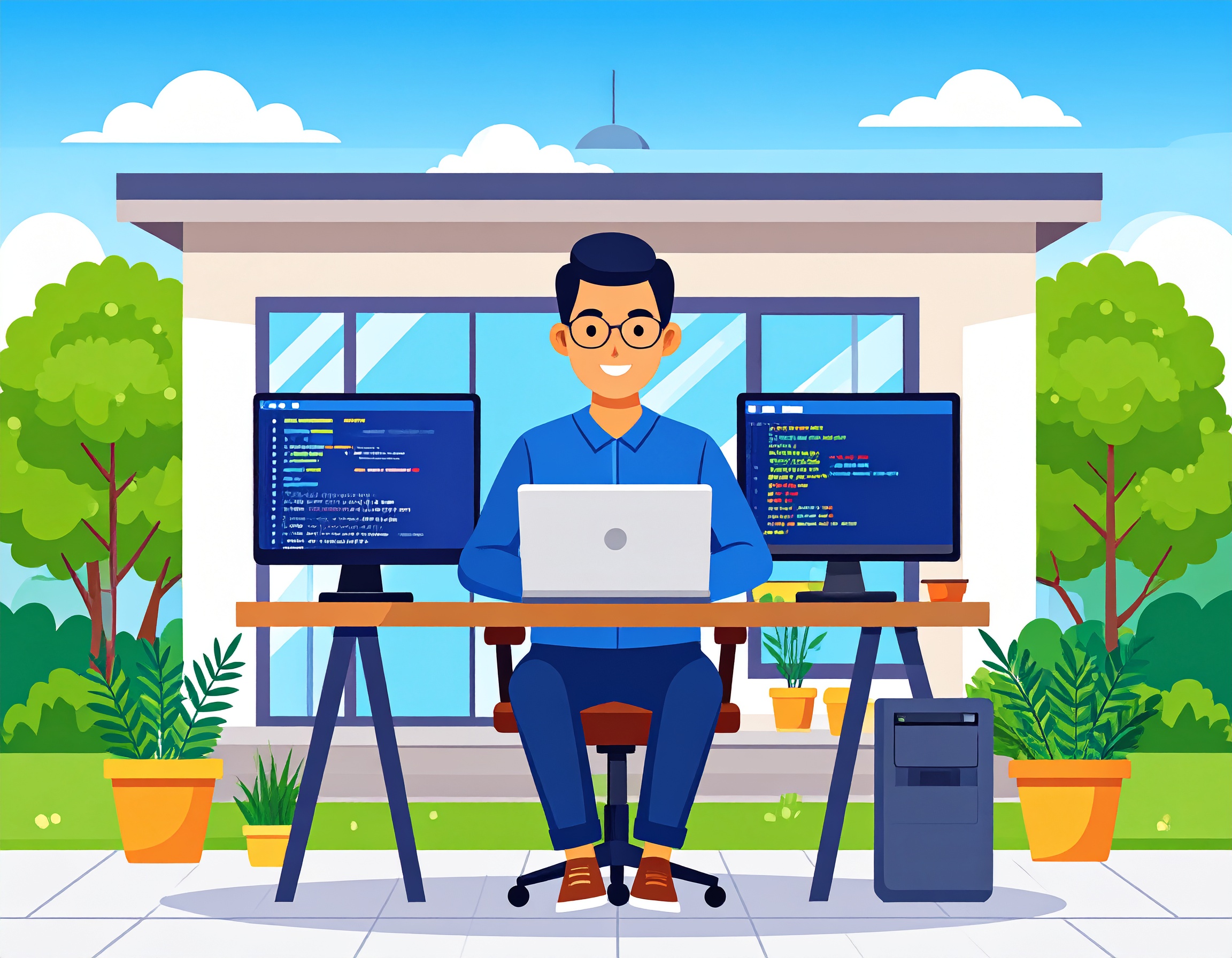
- Details
- Written by: Mario Donquilab
Your All-in-One Digital Creative Partner – Mario Donquilab
In today’s digital-first world, your online presence is everything. Whether you need a stunning website, engaging video content, or a complete digital strategy, I’m here to help.
Web Development
I specialize in custom WordPress and Joomla development. From responsive designs to advanced features like GSAP scroll animations and parallax sections—your website will be fast, mobile-friendly, and visually engaging.
- ✔ WordPress & Joomla CMS
- ✔ Custom HTML/CSS/JS Modules
- ✔ SEO & Mobile Optimization
- ✔ Maintenance & Hosting Support
Graphic Design
I create bold, modern, and conversion-focused graphics for your business, from logos to brochures to social media.
- ✔ Branding & Logo Design
- ✔ Flyers, Posters, Brochures
- ✔ UI/UX Design
- ✔ Social Media Content
Video Editing
From social media reels to full promotional videos, I edit content that captures attention and tells your story effectively.
- ✔ Promo & Explainer Videos
- ✔ TikTok & Reels Editing
- ✔ Vlogs & Tutorials
- ✔ Subtitles, Sound, Transitions
Digital Marketing
I manage your content, run ads, and help grow your audience with digital strategies that convert.
- ✔ Content Creation & Scheduling
- ✔ Paid Ads (Facebook, Google, TikTok)
- ✔ Analytics & SEO Tracking
- ✔ Email Marketing (Mailchimp, etc.)
Why Work with Me?
- ✅ 10+ Years of Experience
- ✅ Trusted by Entrepreneurs & Agencies
- ✅ Fast Turnaround Time
- ✅ 1-on-1 Custom Service
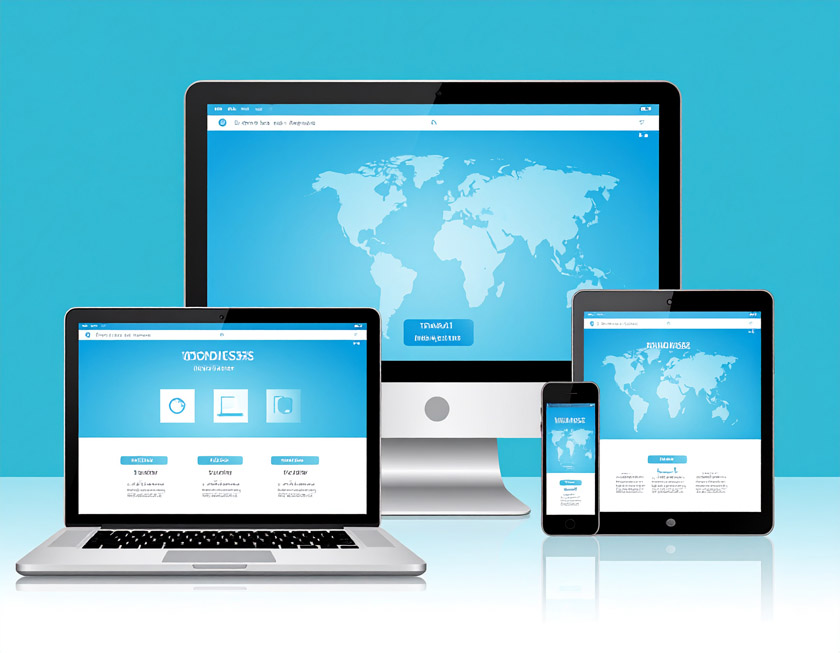
- Details
- Written by: Mario Donquilab
Tips for Responsive Design Without Plugins
Hey there! I’m Mario Donquilab — I create custom websites that look clean, modern, and adapt perfectly on any screen size. On my own site, I don’t use heavy plugins. Here’s how I do it.
1. Use a Fluid Layout
I work with percentages and flexible units like em, rem, and vw/vh. That way, layouts stretch or shrink based on the device, not fixed pixels.
2. Embrace CSS Grid & Flexbox
These two are my best friends for responsive layouts. They allow dynamic positioning, wrapping, and alignment — and they’re baked right into CSS. No plugins required!
3. Breakpoints Are Key
I design mobile-first and then add breakpoints as needed. Here's a sample:
@media (min-width: 768px) {
  .container {
    flex-direction: row;
  }
}
4. Optimize Your Images
I use the <picture> tag and srcset to serve responsive image sizes. Less bandwidth, faster pages.
5. Don’t Forget the Viewport Meta Tag
This is the golden rule for mobile responsiveness:
<meta name="viewport" content="width=device-width, initial-scale=1.0">
6. Test Across Devices
I use Chrome DevTools and test on real devices. What works on desktop doesn’t always feel right on mobile.
7. Keep It Lightweight
Less is more. Avoid bloat. Custom HTML and CSS usually cover everything I need — and my site loads much faster.
With a clean structure, fluid layout, and some scroll animations — you can create a responsive experience that doesn’t rely on plugins. Take a peek at my own website to see how it works in real life!

- Details
- Written by: Mario Donquilab
Mastering the Fundamentals: Key Graphic Design Principles
In a world driven by visual communication, graphic design is more than just making things look appealing — it’s about solving problems through effective visuals. Whether you're designing a website, brand identity, poster, or social media post, following solid design principles ensures your message is clear, engaging, and impactful.
Here are the essential graphic design principles every designer should understand and apply:
1. Balance
Balance is about distributing elements evenly throughout your design. It creates visual stability and harmony.
- Symmetrical balance: Elements are evenly weighted on both sides of the composition.
- Asymmetrical balance: Uneven elements are balanced through contrast, color, size, or positioning.
- Radial balance: Elements radiate from a central point.
Tip: Use balance to avoid overwhelming or underwhelming the viewer.
2. Alignment
Alignment ensures your elements have a clear connection and order. Everything in your design should line up intentionally, creating a professional and polished look.
- Use grids and guides to maintain structure.
- Align text and visuals to give the design a clean flow.
Why it matters: Proper alignment builds trust and makes information easier to digest.
3. Hierarchy
Visual hierarchy guides the viewer’s eye through your design — from most important to least.
- Use size, color, contrast, and spacing to establish hierarchy.
- Headlines should stand out; secondary text should support.
Effective hierarchy improves readability and focuses attention where it matters most.
4. Contrast
Contrast draws attention and creates emphasis. It can be achieved through color, size, shape, or typeface.
- Dark vs. light, bold vs. thin, big vs. small — contrast makes design elements stand out.
- It’s essential for accessibility and readability.
Rule of thumb: If everything is emphasized, nothing is.
5. Repetition
Repetition reinforces consistency and brand identity. It ties different elements of a design together.
- Repeat fonts, colors, logos, and shapes to create cohesion.
- Especially useful in multi-page designs like presentations or websites.
Use repetition to create rhythm and recognition.
6. Proximity
Grouping related elements together makes your design more organized and meaningful.
- Place similar items near each other to show they’re connected.
- Helps declutter layouts and improve visual structure.
Proximity doesn’t mean overcrowding — spacing is still key!
7. Color
Color sets the tone, mood, and emotional connection of your design. It can also guide the viewer's eye.
- Use color theory and harmonies (complementary, analogous, triadic) for best results.
- Stick to a consistent palette aligned with your brand or message.
Be mindful: Overusing too many colors can cause confusion.
8. Typography
Typography is the art of arranging text to be legible and visually appealing.
- Pair fonts wisely — usually one serif and one sans-serif works well.
- Be consistent with font sizes, spacing, and weight.
Good typography communicates your message even before reading the text.
Great design isn’t just about creativity — it’s about strategy, structure, and storytelling. Mastering these graphic design principles will help you create work that not only looks good but also communicates effectively.
As a designer, always keep learning, testing, and refining. When you combine these principles with your own unique style and intuition, you’ll produce visuals that truly make an impact.
- Details
- Written by: Mario Donquilab
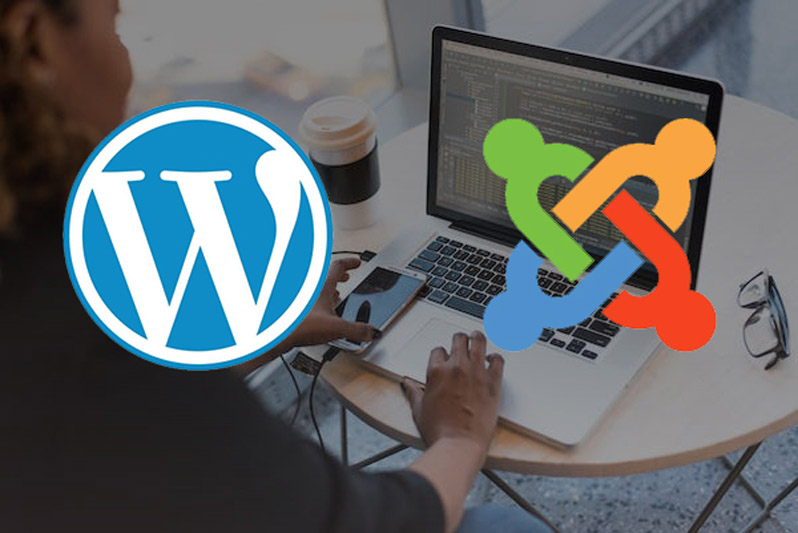
- Details
- Written by: Mario Donquilab
Why You Need a WordPress and Joomla Expert for Your Website
Whether you're building a website for your business, brand, or portfolio, two names often come up: WordPress and Joomla. These content management systems (CMS) power millions of websites around the world. But while both platforms are powerful and flexible, getting the most out of them takes more than just installing a theme or plugin—it requires expertise.
That’s where a WordPress and Joomla expert like myself comes in.
💡 What's the Difference Between WordPress and Joomla?
WordPress is known for its user-friendly interface, large plugin ecosystem, and versatility. It’s ideal for blogs, business websites, and even e-commerce with tools like WooCommerce.
Joomla, on the other hand, offers more advanced control over site structure and user permissions. It’s a go-to choice for developers building complex, multilingual, or community-driven websites.
Both are powerful—but which one fits your needs depends on your goals.
🚀 Why Work with an Expert?
- ✅ Custom Design & Branding
No cookie-cutter themes. I create modern, responsive websites that reflect your brand identity—whether you're a realtor, small business, or creative professional. - ✅ Faster Setup & Better Performance
Skip the trial and error. I know the best themes, plugins, extensions, and configuration settings to make your site load fast and run smoothly. - ✅ Mobile-Optimized & SEO-Ready
Both platforms support SEO features, but only with proper setup. I ensure your site structure, metadata, and mobile responsiveness follow best practices for Google rankings. - ✅ Maintenance & Security
Outdated plugins or weak hosting can break your site. I offer ongoing maintenance to keep everything secure and up to date. - ✅ Migrate Between WordPress & Joomla
Switching platforms? I can migrate your content, design, and SEO settings from WordPress to Joomla—or vice versa—without losing data or quality.
👨💻 Why Choose Me?
With years of experience in WordPress, Joomla, graphic design, social media marketing, and video editing, I bring a holistic approach to building your online presence. I don't just design websites—I create digital tools that support your business goals.
Ready to Get Started?
Let’s talk about how I can help you build or upgrade your WordPress or Joomla website. Whether you need a sleek portfolio, a property listing site, or a business hub, I’ve got the skills to make it happen.

- Details
- Written by: Mario Donquilab